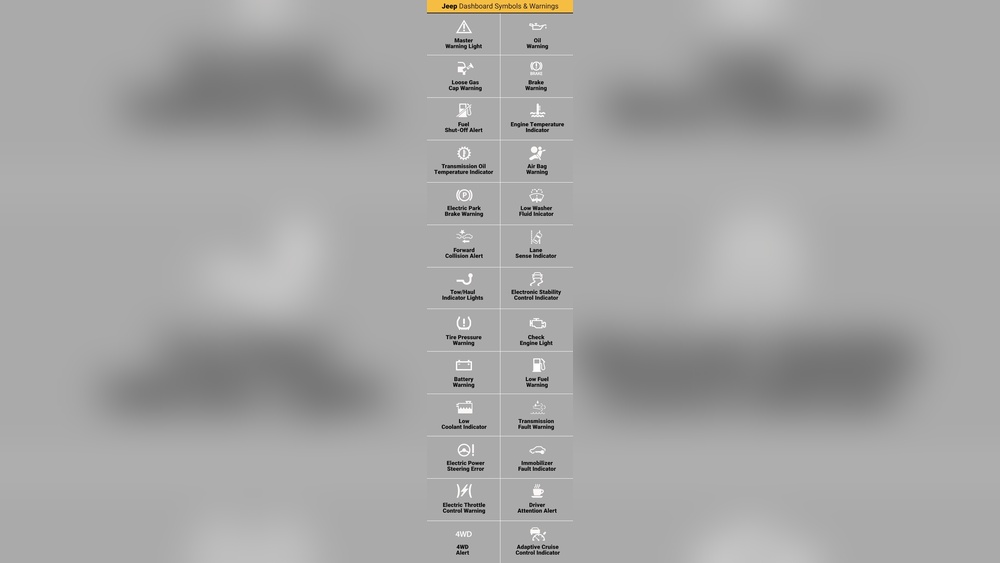
CarPlay can stop working for many reasons. Learn how to fix it in your Jeep Wrangler.

Credit: www.reddit.com
Credit: m.youtube.com
Why CarPlay Might Stop Working
CarPlay is a great feature in Jeep Wrangler. But sometimes it stops working. Here are some reasons why:
- Loose cables
- Software issues
- Outdated firmware
- Bluetooth problems
Quick Fixes to Try First
Before diving deep, try these quick fixes. They often solve the problem:
- Restart your iPhone.
- Restart your Jeep Wrangler.
- Check the CarPlay connection.
Step-by-Step Troubleshooting
1. Check Usb Cable
A faulty USB cable can cause problems. Follow these steps to check the USB cable:
- Use an Apple-certified cable.
- Inspect the cable for damage.
- Try a different USB port in your Jeep.
2. Update Iphone Software
Outdated software can cause CarPlay issues. Here’s how to update your iPhone:
- Go to Settings on your iPhone.
- Select General.
- Tap Software Update.
- Follow the on-screen instructions.
3. Update Jeep Wrangler Firmware
Your Jeep’s firmware should be up-to-date. Follow these steps:
- Visit the Jeep website.
- Go to the support section.
- Check for firmware updates.
- Download and install any updates.
4. Reset Carplay Settings
Sometimes resetting CarPlay settings helps. Here’s how to do it:
- Go to Settings on your iPhone.
- Select General.
- Tap CarPlay.
- Choose your Jeep Wrangler.
- Tap Forget This Car.
5. Check Bluetooth Connection
Bluetooth can interfere with CarPlay. Follow these steps to check Bluetooth:
- Go to Settings on your iPhone.
- Select Bluetooth.
- Turn Bluetooth off and then on.
- Reconnect your iPhone to your Jeep.
Advanced Troubleshooting
1. Check Carplay Restrictions
CarPlay restrictions can cause issues. Follow these steps to check restrictions:
- Go to Settings on your iPhone.
- Select Screen Time.
- Tap Content & Privacy Restrictions.
- Ensure CarPlay is allowed.
2. Reset Network Settings
Network settings can cause problems. Follow these steps to reset network settings:
- Go to Settings on your iPhone.
- Select General.
- Tap Reset.
- Choose Reset Network Settings.
- Enter your passcode and confirm.
3. Contact Apple Support
If all else fails, contact Apple Support. They can provide expert help.
Preventing Future Issues
Here are some tips to prevent future CarPlay issues:
- Keep your iPhone software updated.
- Regularly update your Jeep’s firmware.
- Use high-quality USB cables.
- Avoid using Bluetooth and CarPlay simultaneously.
Frequently Asked Questions
Why Did My Jeep Wrangler Carplay Stop Working?
Issues can arise from software glitches, faulty cables, or incompatibility with iOS updates.
How To Fix Jeep Wrangler Carplay Issue?
Restart your iPhone, check cable connections, and ensure your iOS is up to date.
Is My Iphone Compatible With Carplay?
Most iPhones running iOS 7. 1 or later support Carplay. Check your iPhone model compatibility.
Can A Software Update Fix Carplay?
Yes, updating both your iPhone and the Jeep’s infotainment system can resolve Carplay issues.
Conclusion
CarPlay issues in Jeep Wrangler can be frustrating. But they are often easy to fix. Follow the steps in this guide. Enjoy seamless CarPlay experiences again.